Make small photos go further.
Enlarge images for layouts, personal collections and creative projects. Compare edges and fine textures before choosing your final export.
A free AI image upscaler for your desktop. Give photos, text and textures room to shine, with processing that stays on your PC.
Local processing. DirectML acceleration. Yours to use.
 OriginalClarity upscale
The difference is in the details
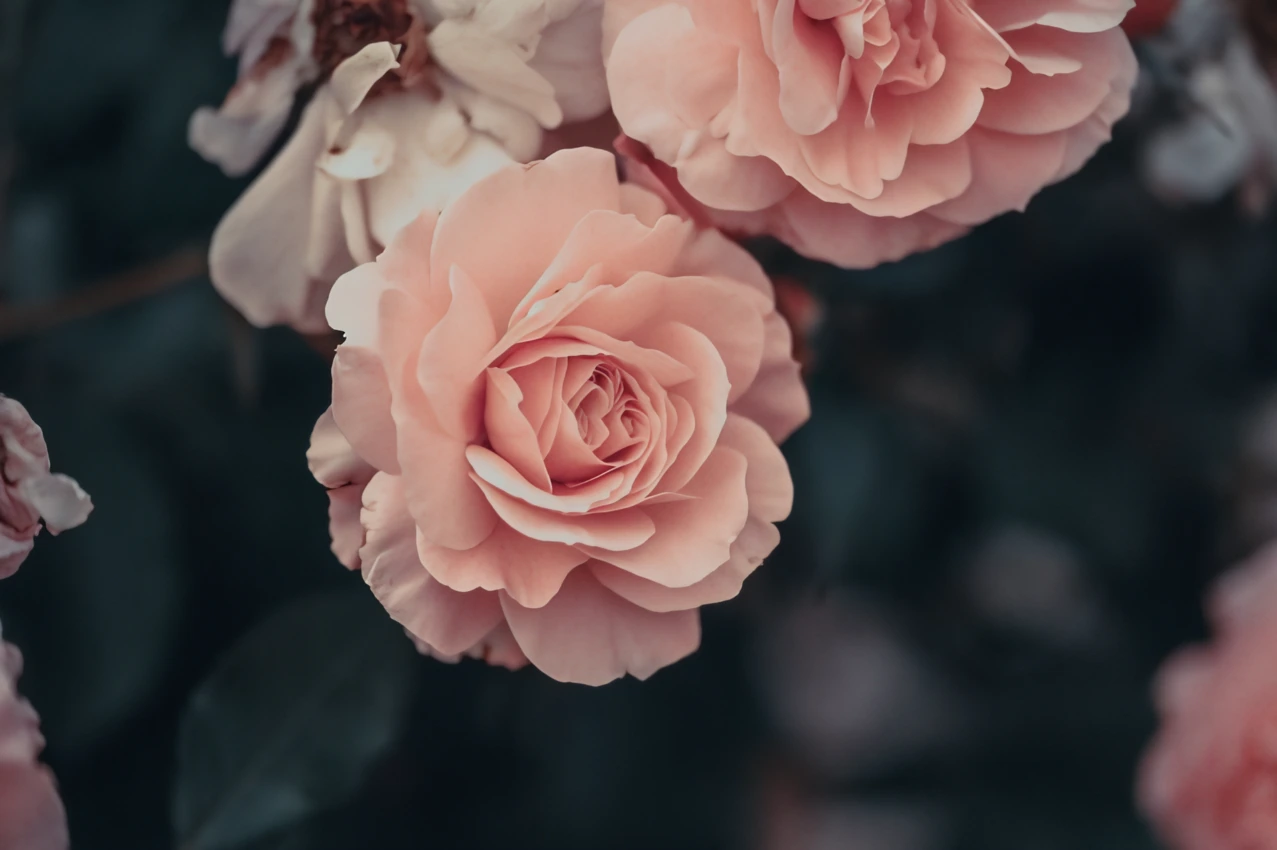
Explore real Clarity results. Move the slider to compare each small source image with its upscaled counterpart.
OriginalClarity upscalePhoto: Dids / Pexels. Both images fit the same frame. Preview resized for the web.
Your images. Your computer.
Enlarge images for layouts, personal collections and creative projects. Compare edges and fine textures before choosing your final export.
Resize screenshots, UI captures and graphics. Choose AI enhancement or a classic filter to suit your source, then check small text for accuracy.
Scale texture images for your next scene. Inspect grain, seams and repeating details in your material before putting the result to work.
Two ways to go bigger
Some images need a little imagination. Others need a predictable resize. Clarity gives you both approaches in one desktop app.
Explore the open-source project ↗Use neural models to estimate finer detail when enlarging an image. Clarity 1.1 focuses on the DAT architecture and runs inference through DirectML.
Use point, bilinear, bicubic or cubic B-spline resampling when you want control over interpolation without AI-generated detail.
Put your compatible graphics hardware to work. Processing stays on your machine, with speed and memory use depending on your image and selected model.
From small to something more
Install Clarity on Windows and choose the image you want to enlarge.
Select an AI model for estimated detail or a classic filter for controlled resizing.
Check the result at its intended size, save your image and get back to your project.
Free desktop software
Get Clarity for Windows. Keep your workflow local.
Installer hosted on Patreon.
Supporting development is optional.
From the studio
Explore Clarity’s source code on GitHub. Official Windows installer downloads now live on Patreon, while image processing stays local and free.
Read the update ↗Clarity 1.1 reduces app size from 818 MB to 138 MB, halves reported RAM usage, refreshes the interface and improves texture-model performance.
Read the update ↗Meet Clarity, the free Windows image upscaler from Pterosoft Studio, with local AI enhancement, classic resizing and DirectML GPU acceleration.
Read the update ↗A few useful answers
Clarity is a desktop image upscaler from Pterosoft Studio.
Yes. Clarity is free to use, and its source code is available on GitHub. Financial support through Patreon is optional.
Image processing runs locally on your Windows PC. Your images do not need to be sent to an online upscaling service.
Clarity uses DirectML for GPU acceleration, with support across compatible GPU vendors. Performance depends on your hardware, the model and the size of your image.
Yes. Clarity supports workflows for photographs, text and game textures. Inspect AI-generated details carefully, especially lettering. For exact resampling without inferred detail, choose a classic resize filter.
AI estimates plausible detail from the source image. It can also introduce artifacts or change small features. Compare the result with the original, and do not treat AI enhancement as evidence of what was present in the scene.
Get the Windows installer from the downloads page. To report a reproducible issue or explore the source, visit Clarity on GitHub.
If Clarity earns a place in your workflow, help us keep improving it. Optional contributions support development, testing and maintenance.